VelocityBlog
TrueNAS Backup and Disaster Recovery for Australian Business
Updated: October 20, 2026
Published: February 13, 2021
TL:DR
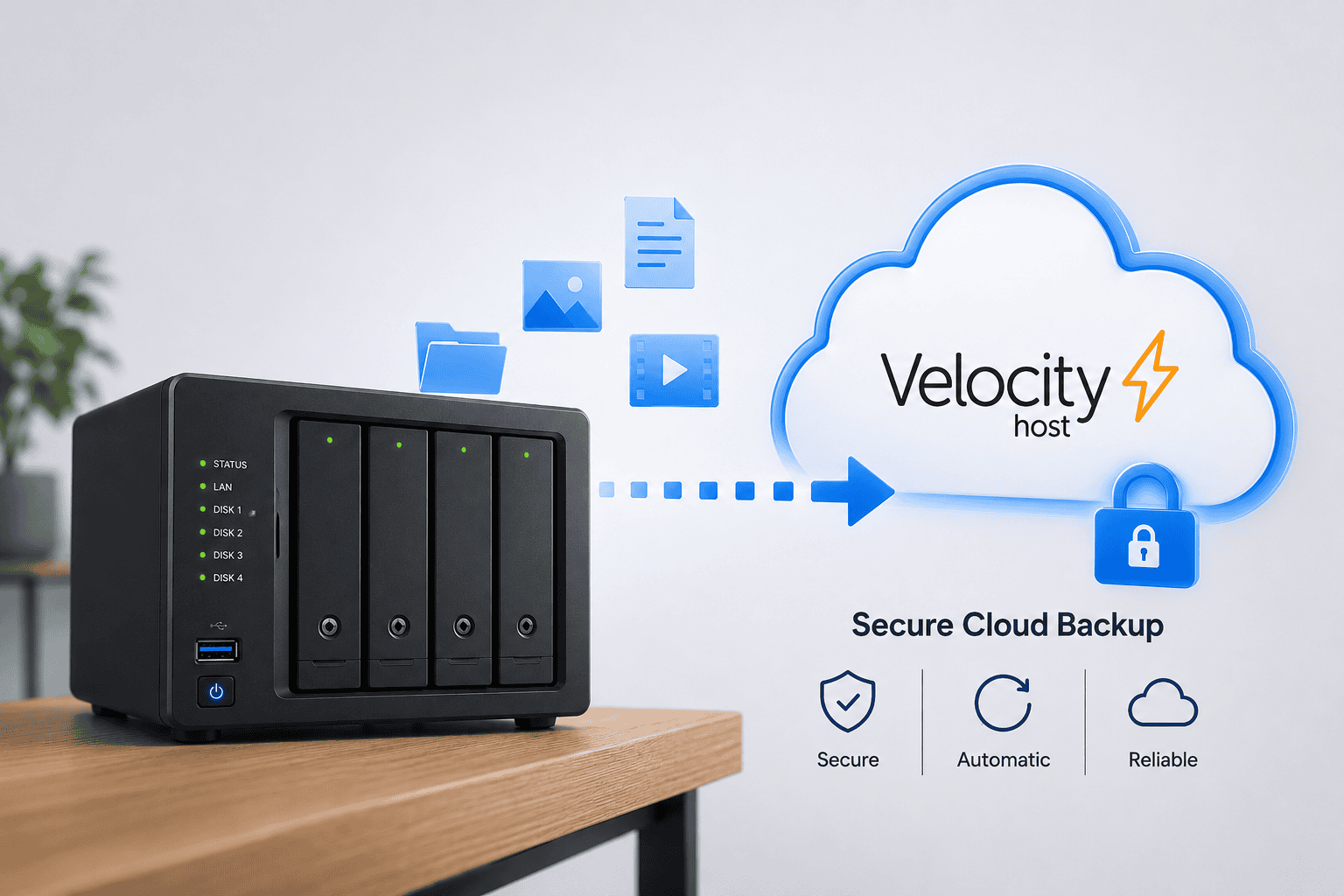
Open source storage has a reputation for being fine for files, but not serious enough for backup and disaster recovery. That assumption is untrue. TrueNAS backup is built on OpenZFS, a file system with checksumming, instant snapshots and native replication at its core, the same foundations enterprise storage vendors charge a premium for. The question is not whether TrueNAS can protect your business data. It is whether it is set up correctly, which is where most of the real risk sits.
TrueNAS Backup Options: What’s Available for Business
TrueNAS backup is not one feature. It is a set of tools that work together, and which ones you use depends on what you are protecting against.
- Snapshots: near-instant, read-only point-in-time copies of a dataset, used to recover from accidental deletion, a bad change, or a ransomware attack
- Replication: sends snapshot data to another TrueNAS system, onsite or offsite, so you have a second independent copy
- Cloud sync tasks: push or pull data to S3-compatible cloud storage on a schedule, giving you an offsite copy without a second physical system
- Rsync tasks: sync specific folders to or from another machine, useful for simpler, targeted backup jobs
- Checksumming and scrubbing: catch silent data corruption before it spreads into your backups, so you are not just backing up a slowly corrupting dataset
Each of these can run on a schedule, and most Australian businesses end up combining two or three of them, typically local snapshots for fast recovery plus replication or cloud sync for an offsite copy.
TrueNAS Cloud Backup: Replicate and Sync to Offsite Storage
TrueNAS cloud backup is how most Australian businesses solve the offsite problem without buying and hosting a second physical system themselves. It means getting a copy of your data off the physical box it lives on, without which a fire, theft or hardware failure at your premises can take your only copy with it.
- Replication tasks send snapshot data to a second TrueNAS system, which can be hosted offsite in a proper data centre rather than another box in the same building
- Cloud sync tasks connect TrueNAS to S3-compatible object storage using access keys, running full or incremental transfers on a schedule, with options to limit bandwidth and exclude specific folders
- Velocity Host’s own KISS Cloud ZFS Mirror service gives businesses a dedicated, isolated zone with full administrative rights, using native zfs send and zfs receive for offsite replication over SSH, rather than a generic file-based backup product
TrueNAS Backup to S3 and Other Cloud Targets
This runs as a cloud sync task: you supply an access key, a bucket and a schedule, and TrueNAS transfers changed data on that schedule. This is a reasonable option for archival or secondary offsite protection, but a generic cloud sync task is not the same as a managed backup service. It does not verify your backups for you, alert you when a job silently fails, or hand you a tested restore process, which is why Velocity Host’s managed cloud backup service wraps monitoring, verification and support around the same underlying technology
TrueNAS Backup to External Drive: A Simple Local Option
This is the simplest option available, useful for a small business that wants a physical, portable copy of their critical data without cloud costs or ongoing bandwidth use. An external drive can be formatted and mounted as a backup target, with a periodic sync or replication task copies data to it on a schedule. The trade-off is that an external drive sitting next to the main system doesn’t provide protection against fire, theft or flood, so it should sit alongside an offsite replication or cloud backup system.
Get a TrueNAS backup recommendation
TrueNAS Disaster Recovery: RPO, RTO and Business Continuity
This is a function of how the backup and replication strategy is designed. Two numbers matter most for a business owner.
- Recovery Point Objective, or RPO: how much data you can afford to lose, measured in time since the last good backup. A nightly snapshot schedule means an RPO of up to 24 hours. More frequent snapshots and replication can shrink that window.
- Recovery Time Objective, or RTO: how long you can afford to be without your data. Restoring from a local snapshot clone is fast, often minutes. Rebuilding from an offsite replica or cloud backup after a total site loss takes longer.
Velocity Host designs backup and replication schedules around your actual RPO and RTO requirements rather than the default, and can pair this with our dedicated disaster recovery as a service offering for businesses that need the fastest possible recovery after an outage, or our backup as a service offering for businesses that can accept a slower recovery in exchange for lower cost.
How to Recover Data from a TrueNAS NAS
If you need to recover data from a TrueNAS, the right method depends on what went wrong and how much of it you need back.
TrueNAS Recover Deleted Files: Snapshots, Clones and Rollback
The least disruptive way to recover files you have accidentally deleted is to clone a snapshot rather than roll back the whole dataset.
- Open the Snapshots screen and find a snapshot from before the files were deleted
- Clone it to a new, temporary dataset
- Share that clone the same way the original data is shared, so you or your team can copy the needed files back
- Delete the temporary clone once you are done
This method leaves the live data and any scheduled replication untouched. A full dataset rollback, which reverts everything to a snapshot’s state in one step, is faster but riskier. It can break replication tasks and should be used with caution, generally as a last resort rather than a first response.
If the loss is larger than a few files, such as a failed drive or a corrupted pool, recovery depends on your redundancy level. A pool built with sufficient parity can lose one or more drives without data loss, which is why Velocity Host configures redundancy levels based on how much drive failure risk your business needs to tolerate, rather than the minimum the hardware allows.
Ask Velocity Host about TrueNAS recovery
TrueNAS Backup Support in Australia: What You Get With Velocity Host
- Backup and replication schedules designed around your actual RPO and RTO needs, not a generic default
- Correct redundancy configuration so a single drive failure never becomes a data loss event
- Support in Australian time zones, from a local team, not an overseas call centre
- Optional offsite replication to Velocity Host’s Australian Tier 4 data centre infrastructure
- A managed TrueNAS cloud backup service with nightly snapshots, monthly data integrity checks, and flat per terabyte pricing, alongside our dedicated TrueNAS hardware range, on our TrueNAS storage solutions page
Talk to Velocity Host about TrueNAS backup
TrueNAS Backup in Action: A Real Australian Business Result
A long-standing Velocity Host client running production workloads on SmartOS, a ZFS-native hypervisor platform, needed a backup destination that could handle native ZFS replication rather than a generic file-based cloud backup product. That requires administrative access on both ends, which most public cloud backup services do not offer, and sharing root-level access on shared infrastructure was not acceptable.
- Velocity Host built a dedicated, isolated zone for the client with its own dataset and full administrative rights inside it
- The array is built to a minimum of raidz3, tolerating three simultaneous drive failures per group
- Replication runs on native zfs send and zfs receive, moving only changed blocks between snapshots over SSH
- The client sets their own snapshot retention and runs replication on demand or on a schedule
- Data stays onshore in our Tier 4 data centre under Australian data sovereignty, with local support.
Read the full native ZFS replication case study.
TrueNAS Backup and Disaster Recovery FAQs
How can I recover data from my NAS?
It depends on what was lost. For accidentally deleted or changed files, clone the relevant snapshot to a new dataset and copy the files back, which leaves your live data untouched. For a failed drive, redundancy built into the pool, such as RAIDZ, lets the pool rebuild from the remaining drives without data loss, up to its tolerance level. For a total loss of the physical system, you recover from an offsite replica or cloud backup copy, which is why having one is not optional for a business that cannot afford to lose its data entirely.
How do I backup my TrueNAS?
Set up a periodic snapshot task for fast, local recovery, then add at least one offsite protection layer, either a replication task to a second TrueNAS system or a cloud sync task to S3-compatible storage. Most Australian businesses run snapshots on a daily or more frequent schedule, with replication or cloud sync running on its own schedule behind that. Velocity Host can configure and manage this entirely, or support a team that wants to manage it themselves.
How do I recover files I accidentally deleted?
Open the Snapshots screen, find a snapshot from before the deletion, and clone it to a new, temporary dataset rather than rolling back the whole dataset. Share the clone the way you normally share that data, copy the files you need, then delete the temporary clone. This is the lowest-risk recovery method, since it does not touch the live dataset or any scheduled replication tasks.
What backup options are available on TrueNAS?
Snapshots for fast local recovery, replication to another TrueNAS system for an independent offsite copy, cloud sync tasks to S3-compatible storage, and rsync tasks for simpler folder-level synchronisation. Most business deployments combine at least two of these, typically snapshots for speed and replication or cloud sync for offsite protection.
Talk to Velocity Host About TrueNAS Backup for Your Business
TrueNAS backup and disaster recovery can protect an Australian business as well as, or better than, proprietary alternatives, provided the snapshot schedule, redundancy level and offsite copy are configured correctly. Velocity Host designs, configures and supports it for Australian businesses, from a local Australian team, in Australia’s first Tier 4 data centre.
Talk to Velocity Host about TrueNAS backup or call 1800 937 348.
See our full range on the TrueNAS storage solutions page, or read our privacy policy to see how we handle your information.
Email Us to see how we can help...

Gerardo Altman, Director of Problem Solving
With over 25 years’ experience in the IT industry, Gerardo Altman is a key solutions architect and MD of Velocity Host, with a love for Tetris and complex puzzles of every nature you'll find me hard at work doing what I do best – finding solutions.
Nextcloud Pricing in Australia: The Real Cost Guide
This guide separates the three, prices each one as accurately as public information allows, and compares the real total cost against Microsoft 365, Google Workspace and ownCloud. We flag anywhere a figure needs checking at the time you read this, because software prices move. Talk to us about managed Nextcloud…
Nextcloud Features & Apps: Complete Guide for Australian Businesses
There is a common assumption among Australian business owners that Nextcloud is a lightweight alternative to Microsoft 365 or Google Workspace, useful for basic file storage but not a serious contender for day to day business collaboration. That assumption no longer holds up. The platform has matured into a full…
Nextcloud Hosting Australia: VPS, Self-Hosted and Managed Options
What Is Nextcloud? Nextcloud is an open-source platform for file storage, synchronisation and collaboration. Rather than simply providing online storage, it can bring files, calendars, contacts, chat, video conferencing and collaborative document editing together in one environment. Nextcloud’s platform overview provides more detail on the platform and its collaboration capabilities.…
Nextcloud Auditing: A Complete Guide to Nextcloud Audit Logs
If a staff member left tomorrow, could your business say exactly which client files they opened in their final month? Not just what they changed, but what they viewed, downloaded or shared, and when? For most Australian businesses, the honest answer is no. That gap is exactly what the nextcloud…
Don’t Pay for SEO (Unless You Are Able To Do These Things)
Most Australian small business owners who come to us with high expectations for SEO. Our SEO campaigns are capable of delivering leads, but the success of a campaign also depends on whether your business is operationally ready to make the most of the enquiries and visibility that SEO generates. VelocityHost…