VelocityBlog
How to Backup NAS to Cloud Storage For Secure Data Protection
Updated: June 3, 2026
Published: May 19, 2026
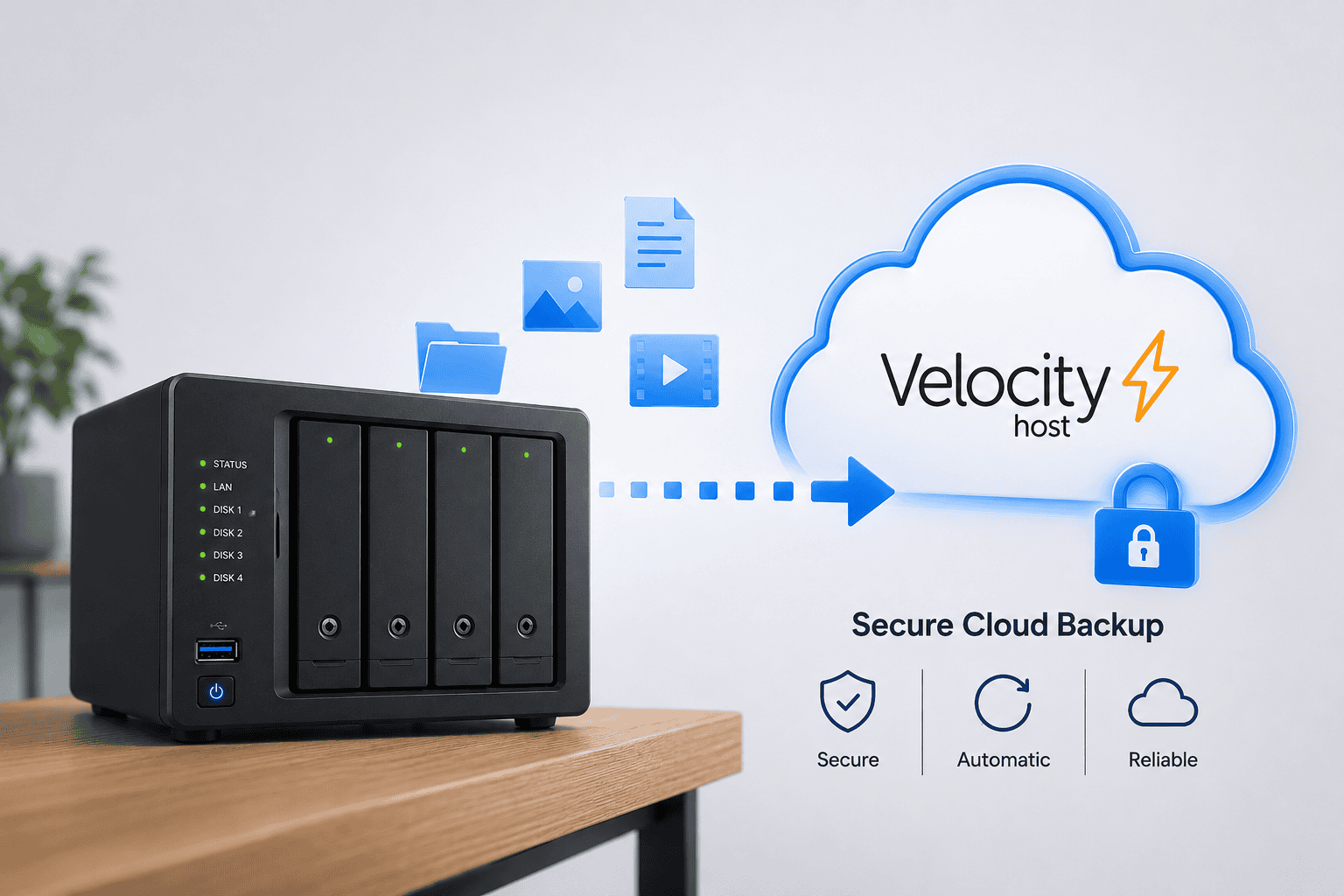
Protecting your Network Attached Storage (NAS) data is essential for any organisation that handles critical information. While NAS systems provide excellent local storage capabilities, combining them with cloud backup creates a robust defence against data loss, ransomware attacks, and hardware failures. This guide explains the best NAS backup strategy, explores the differences between NAS and cloud backup, and shows you how to backup your entire NAS infrastructure effectively.
For Australian organisations, Velocity Host’s Tier 4 data centre provides an ideal destination for NAS cloud backup with guaranteed 99.995% uptime and Australian data residency compliance.
Understanding NAS Cloud Backup
Network Attached Storage devices have become integral to modern data management. However, many organisations ask: can NAS be used as cloud storage? The answer is nuanced. A NAS is fundamentally local storage connected to your network, while cloud storage exists on remote servers accessed over the internet. The real advantage emerges when you combine both approaches.
A NAS can indeed function as a cloud storage solution when configured with the right software, but true cloud backup offers additional benefits like geographic redundancy, automatic scaling, and disaster recovery capabilities that local NAS systems cannot provide alone. The best NAS backup strategy implements what experts call the 3-2-1 backup rule: maintain three copies of your data, store them on two different media types, and keep one copy off-site. This approach ensures protection against multiple failure scenarios.
When you backup NAS to cloud, you’re creating a critical off-site copy while maintaining the performance benefits of a local NAS storage for everyday operations.
Can NAS Be Used as Cloud Storage?
Yes, technically a NAS can function as cloud storage through various configurations. Many NAS manufacturers, including those running TrueNAS, offer cloud synchronisation features that allow your NAS to extend into cloud environments. However, there’s an important distinction between using NAS as cloud storage and using NAS with cloud backup solutions.
A NAS on its own provides:
- Local network access with high speed performance
- Direct control over your hardware and data
- Reduced ongoing operational costs
- Physical security concerns limited to your facility
- Cloud storage platforms provide:
- Remote access from anywhere in the world
- Automatic redundancy across multiple geographic locations
- Scalability without physical hardware investment
- Enterprise-grade disaster recovery infrastructure
Compliance certifications for regulated industries
The optimal approach combines both. Your NAS handles day-to-day operations while automated cloud backup ensures data protection against catastrophic events.
What is the Best NAS Backup Strategy?
Implementing an effective NAS backup strategy requires understanding your specific business needs. The strategy should address recovery time objectives (RTO) and recovery point objectives (RPO), which determine how quickly you need to recover data and how much data loss you can tolerate.
- A comprehensive NAS backup strategy includes:
- Automated scheduled backups to eliminate human error
- Multiple destination options including cloud storage
- Incremental and differential backups to reduce storage and bandwidth
- Encryption both in transit and at rest
- Verification and testing of backup integrity
- Documentation of recovery procedures
Software solutions like Veeam provide enterprise-grade NAS backup capabilities with flexible scheduling and multiple destination support. For organisations seeking open-source alternatives, Borg offers efficient backup with deduplication, while Rclone provides flexible cloud synchronization across multiple providers.
Consider your bandwidth requirements carefully. Backing up large NAS systems to cloud requires adequate internet connectivity. Initial backups of multi-terabyte NAS systems may require careful scheduling to avoid impacting production network usage.
Is NAS Better Than Cloud Storage?
This question isn’t a fair comparison. NAS and cloud storage serve different purposes in a complete data strategy:
NAS excels at:
- Providing fast local access for active files
- Supporting high-performance workloads
- Enabling collaborative storage within your organisation
- Maintaining complete data ownership and control Reducing per-gigabyte costs for large storage pools
Cloud storage excels at:
Providing geographic redundancy and disaster recovery
Enabling access from remote locations
- Scaling without physical infrastructure investment
- Delivering compliance certifications and audit trails
- Protecting against physical theft or facility disasters
The question isn’t which is better, but rather how to use both effectively. Your NAS provides the performance and control needed for daily operations, while cloud backup provides the protection and resilience needed for true business continuity.
What is the Difference Between NAS and Cloud Backup?
Understanding the fundamental differences between NAS and cloud backup is crucial for designing an effective data protection strategy.
NAS backup characteristics:
- Occurs over local network connections, typically much faster than internet speeds
- Stores data on hardware you own and maintain
- Requires physical space, power consumption, and cooling infrastructure
- Limited geographic redundancy unless you maintain multiple sites
- Provides immediate access to backup data with minimal latency
Cloud backup characteristics:
- Operates over internet connections with variable speed depending on bandwidth
- Data stored on shared infrastructure managed by the cloud provider
- No physical infrastructure or maintenance responsibilities
- Inherent geographic redundancy and multiple copies
- Access dependent on internet connectivity
Many organisations implement both. For example, backing up your NAS to a local backup appliance provides fast recovery for routine restores, while cloud backup provides protection against site-wide disasters.
Practical Steps: How to Backup an Entire NAS
Backing up an entire NAS system involves several steps that should be carefully planned and tested.
Step 1: Assess Your Data
- Determine the total size of data on your NAS system
- Identify which data is critical and requires more frequent backups
- Calculate your daily change rate to estimate backup windows
- Document any regulatory compliance requirements
Step 2: Select Appropriate Tools
Enterprise environments often choose Veeam for its comprehensive backup capabilities and support for numerous NAS models.
Mid-market organisations might prefer Proxmox backup solutions integrated with Velocity Host’s virtualisation infrastructure.
Smaller deployments could use Rclone for straightforward cloud synchronisation or Duplicati for flexible backup scheduling with multiple destination support.
For systems running TrueNAS, integrated backup capabilities allow direct cloud snapshots and replication. Additionally, Syncovery provides comprehensive cross-platform backup with excellent cloud integration.
Step 3: Choose Cloud Destinations
Velocity Host, Australia’s only Tier 4 data centre provider, offers secure backup storage with guaranteed uptime and compliance with Australian data residency requirements. A Tier 4 facility provides redundant power, cooling, and network connectivity, ensuring your cloud backups remain available even during regional outages.
Consider whether your backup destination must meet specific geographic requirements. Australian organisations often benefit from keeping backups within Australian data centres for regulatory compliance and performance.
Step 4: Configure Backup Policies
Set automated schedules appropriate to your change rate. A NAS backing up mission-critical data might require daily or even hourly incremental backups, while less critical storage might use weekly full backups.
Implement retention policies that balance storage costs with recovery requirements. Most organisations maintain daily backups for two weeks, weekly backups for three months, and monthly backups for one year.
Step 5: Enable Encryption
Ensure all data in transit uses TLS encryption. Most modern backup solutions handle this by default, but verify that your configuration explicitly enables it.
At-rest encryption protects data should your cloud storage account be compromised. Many NAS backup solutions and cloud providers support industry-standard encryption algorithms.
Step 6: Test Recovery Procedures
Regularly restore sample files from your backups to verify integrity. Testing should occur at least quarterly, and after any significant system changes.
Document the time required for full NAS recovery. This validates that your RTO is achievable with your chosen backup strategy.
Frequently Asked Questions About NAS Cloud Backup
Many organisations ask common questions about implementing NAS cloud backup solutions.
Can a NAS be a cloud storage?
Yes, NAS systems can be configured to function as cloud storage through platforms like TrueNAS cloud sync or through manual synchronization tools like Rclone. However, true cloud storage typically means accessing data from the public internet rather than from within your local network. A NAS can serve as your internal cloud storage while separate cloud backup protects your data against catastrophic events.
What are the benefits of backing up NAS to cloud?
Cloud backup of your NAS provides geographic redundancy, protection against ransomware that might compromise your local network, compliance with offsite backup requirements, and disaster recovery capabilities. Should your primary facility experience a catastrophic event, your NAS data remains safe in cloud backup storage.
How often should I backup my NAS?
Backup frequency depends on your change rate and recovery point objective. A NAS handling thousands of file changes daily should be backed up at least daily, with more critical systems using hourly incremental backups. Systems with lower activity can use weekly backups. Define your RPO first, then set backup frequency accordingly.
What backup software works best with NAS?
The best solution depends on your specific NAS hardware and budget. Enterprise users often choose Veeam for comprehensive features and support. Open-source alternatives include Borg for efficient deduplication, Rclone for flexible cloud synchronization, and Duplicati for straightforward scheduling across multiple destinations. Systems running TrueNAS benefit from integrated snapshot and replication capabilities.
How long does it take to backup an entire NAS to cloud?
Initial backup time depends on NAS capacity, data size, and available internet bandwidth. A 10TB NAS with a 10 Mbps internet connection requires approximately 100,000 seconds or about 28 hours of continuous transfer. Subsequent incremental backups are dramatically faster, typically completing in hours rather than days. Plan initial backups for off-peak hours to minimise network impact.
What encryption should I use for NAS cloud backup?
Use AES-256 encryption for data at rest and TLS 1.2 or higher for data in transit. Most modern backup solutions provide these standards by default. Verify that your specific backup tool and cloud storage provider both support encryption, and ensure you maintain secure backups of encryption keys.
How do I verify my NAS backup is working correctly?
Implement regular restore tests on sample files. Many organisations maintain a schedule of quarterly test restores from different backup points. Document the results including file count, data size, and restore duration. This validates that your backups are complete and recoverable.
Should I backup my NAS to multiple cloud providers?
Maintaining backups with multiple cloud providers provides additional protection against provider-specific outages or account compromise. Many organisations use a primary cloud backup with a secondary copy to a different provider or to a local backup appliance. This approach adds cost but significantly improves recovery assurance.
Implementation Considerations for Australian Organisations
Australian organisations face unique regulatory requirements that should influence NAS backup strategy. The Privacy Act requires reasonable security measures to protect personal information, while various industry regulations mandate offsite backup maintenance.
Velocity Host’s Tier 4 data centre provides optimal conditions for NAS cloud backup. A Tier 4 facility guarantees 99.995% uptime through redundant systems and multiple independent infrastructure paths. This means your cloud backups remain available even during extended outages that might affect standard data centres.
Keeping backups within Australian borders provides additional compliance benefits. Many Australian organisations benefit from the reduced latency and guaranteed data residency when using Velocity Host for backup storage rather than international cloud providers.
The cost of Tier 4 infrastructure is offset by the reliability and compliance benefits it provides. For organizations handling sensitive data or operating under strict regulatory requirements, Australian Tier 4 data centre backup is a sound investment.
Setting Up NAS Cloud Backup: A Practical Workflow
Start with a needs assessment. Document your current NAS capacity, daily data changes, and recovery requirements. This assessment guides your software selection and infrastructure planning.
Select your backup software based on your NAS hardware and budget. Open-source solutions like Borg, Rclone, and Duplicati work well for smaller deployments and technical organisations. Veeam and Proxmox solutions serve larger environments with dedicated IT teams.
Configure your cloud destination. Velocity Host offers scalable cloud storage suitable for NAS backup, with the reliability benefits of Australian Tier 4 infrastructure. Establish connection details, authentication, and encryption settings.
Schedule your first backup during a low-traffic period. Initial full backups of large NAS systems may require 24 to 72 hours depending on data size and internet bandwidth. Monitor this first backup closely to identify any configuration issues.
Implement automated incremental backups scheduled for your defined frequency. Most backup solutions allow job scheduling that avoids peak business hours.
Create a documented recovery procedure. Include step-by-step instructions for recovering individual files and for performing complete NAS restoration. Test these procedures at least quarterly.
Monitoring and Maintaining Your NAS Cloud Backup
Once your NAS cloud backup is operational, ongoing maintenance ensures continued protection.
Review backup logs regularly. Most backup solutions log detailed information about each backup job. Logs should show successful completion, file counts, and data sizes. Investigate any warnings or failures immediately.
Monitor cloud storage consumption. Backup data grows over time as you accumulate incremental backups and new data. Review retention policies quarterly to ensure they balance recovery capability with storage costs.
Test restoration procedures regularly. Quarterly test restores of sample data validate that your backup configuration remains sound. Document results and resolution time for any issues identified.
Verify that your backup strategy still meets your recovery requirements. As your NAS systems grow and your business requirements change, your backup strategy should evolve accordingly.
Update your backup software regularly. Security improvements and bug fixes released by backup software vendors should be applied promptly.
Review and update documentation. Keep your recovery procedures and configuration documentation current. During actual recovery situations, outdated documentation can cause dangerous delays.
Conclusion
Implementing NAS cloud backup provides essential protection for your critical data. The best NAS backup strategy combines the performance benefits of local NAS storage with the geographic redundancy and disaster recovery capabilities of cloud backup. By understanding the differences between NAS and cloud storage, selecting appropriate backup software, and maintaining regular test restores, you create a resilient data protection system.
For Australian organizations, leveraging Velocity Host’s Tier 4 data centre ensures that your NAS backups remain available and compliant with local regulations. The combination of local NAS performance and Australian cloud backup provides optimal protection for your business data.
Email Us to see how we can help...

Gerardo Altman, Director of Problem Solving
With over 25 years’ experience in the IT industry, Gerardo Altman is a key solutions architect and MD of Velocity Host, with a love for Tetris and complex puzzles of every nature you'll find me hard at work doing what I do best – finding solutions.
Nextcloud Hosting Australia: VPS, Self-Hosted and Managed Options
What Is Nextcloud? Nextcloud is an open-source platform for file storage, synchronisation and collaboration. Rather than simply providing online storage, it can bring files, calendars, contacts, chat, video conferencing and collaborative document editing together in one environment. Nextcloud’s platform overview provides more detail on the platform and its collaboration capabilities.…
Nextcloud Auditing: A Complete Guide to Nextcloud Audit Logs
If a staff member left tomorrow, could your business say exactly which client files they opened in their final month? Not just what they changed, but what they viewed, downloaded or shared, and when? For most Australian businesses, the honest answer is no. That gap is exactly what nextcloud file…
Don’t Pay for SEO (Unless You Are Able To Do These Things)
Most Australian small business owners who come to us with high expectations for SEO. Our SEO campaigns are capable of delivering leads, but the success of a campaign also depends on whether your business is operationally ready to make the most of the enquiries and visibility that SEO generates. VelocityHost…
Cloud Based Server Backup Solutions: The Complete Guide for Australian Businesses
Every business that relies on digital infrastructure operates with a risk that most people prefer not to think about: what happens when the server goes down and the data is gone? Ransomware, hardware failure, accidental deletion, fire, flood. These issues happen to real businesses every week, and the organisations that…
Data Backup Best Practices: A Complete Guide for Australian Businesses
Every year, Australian businesses lose critical data to hardware failure, ransomware, accidental deletion, and natural disasters. In most cases, the damage is not caused by a lack of technology, but rather user error or a lack of processes. Without a documented & tested data backup strategy, even large organisations find…